
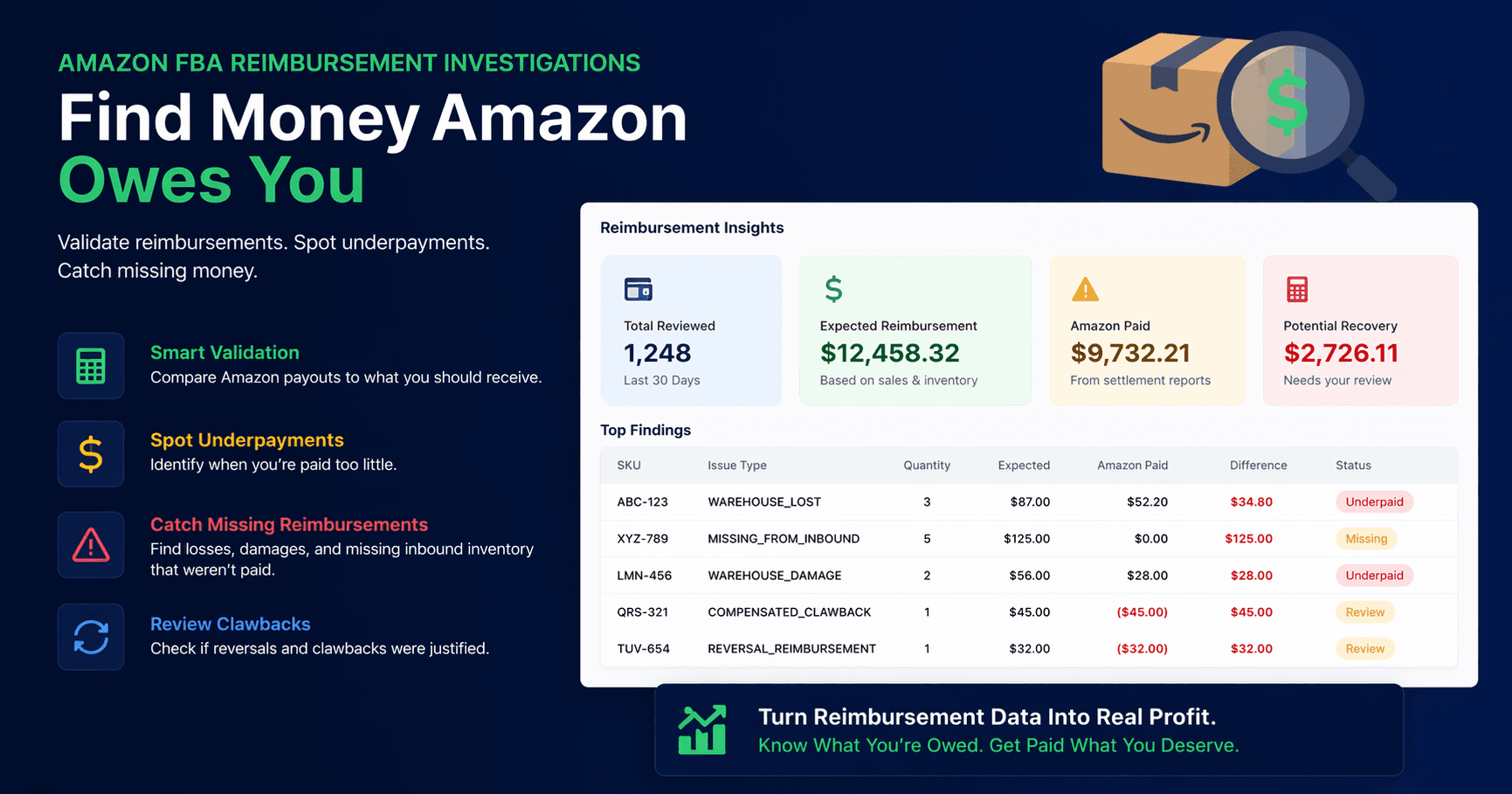
How to Check if Amazon Owes You Money: FBA Reimbursements Guide
If you sell through Amazon FBA, there's a reasonable chance some eligible losses still need your attention.
Amazon's fulfillment network processes millions of items daily. Inventory gets lost during warehouse transfers, damaged in storage, and miscounted during inbound receiving. Amazon automatically reimburses some eligible FBA losses. Potential gaps still remain — you may need to compare inventory activity with reimbursement records and open a support case yourself.
Most FBA sellers miss some opportunities because the process is tedious and the data is spread across multiple reports. This guide walks through each one.
What Amazon Reimburses Sellers For
There are four main discrepancy types worth checking. Each comes from a different report.
| Discrepancy Type | What Happens | Where to Find It |
|---|---|---|
| Lost inventory | Units go missing during warehouse transfers, receiving, or storage | Inventory Adjustments report |
| Damaged inventory | Units damaged by Amazon staff during storage, picking, or packing | Inventory Adjustments report |
| Inbound shortfall | Units shipped to Amazon but not confirmed as received | Shipment reports |
| Customer return errors | Refund issued to buyer, but unit never returned to your inventory | Returns report |
Most discrepancies are claimable within 6–9 months of the event. After that, the window closes.
How to Find Discrepancies in Seller Central
Step 1: Download Your Inventory Adjustments Report
Go to Reports → Fulfillment → Inventory → Inventory Adjustments. Set the date range to the past 6 months and download the CSV.
This report logs every change to your FBA inventory with a reason code. Look for:
- Reason code E — Disposed or destroyed by Amazon
- Reason code M — Misplaced or lost within the warehouse
- Reason code W — Damaged by Amazon warehouse operations
Make a note of each negative-quantity row under these codes.
Step 2: Cross-Reference Against Your Reimbursements Report
Go to Reports → Payments → Reimbursements and download the same 6-month range.
For each discrepancy from Step 1, check whether Amazon has already issued a matching reimbursement. If a unit was lost or damaged and no reimbursement appears within 45 days of the adjustment date, it's potentially claimable.
Step 3: Check Your Inbound Shipment Reports
Go to Inventory → Shipments and open each shipment from the past 6 months. Compare the units you sent against the units Amazon confirmed received.
Any shortfall that wasn't explained or reimbursed is worth investigating. Inbound discrepancies are common with large shipments.
Step 4: Audit Customer Returns
Go to Reports → Fulfillment → Customer Concessions → Returns and download the past 6 months.
The pattern to look for: Amazon issued a refund to the buyer, but the unit never came back — not to sellable inventory, not listed as damaged, not anywhere. Filter for rows where Detailed Disposition is blank or shows CUSTOMER_RETURN, then cross-reference against your inventory adjustments and reimbursements.
How to Submit a Reimbursement Claim
Once you've identified a discrepancy that wasn't reimbursed:
- Go to Help → Contact Us → Selling on Amazon → FBA Issue → FBA Inventory Reimbursement
- Select the relevant ASIN and affected time period
- Include the unit count, adjustment date, reason code, and shipment ID if applicable
- Submit the case — Amazon typically responds within 3–7 business days
Be specific. Vague requests get slower responses. Keep a record of every case number you submit; follow-up is sometimes necessary.
Why Most Sellers Miss Reimbursements
The data exists in Seller Central, but it's fragmented:
- No single view — Lost inventory, damaged goods, inbound shortfalls, and return errors live in different reports
- Manual cross-referencing required — Matching adjustments to reimbursements means downloading multiple CSVs and working through them row by row
- Claim windows close — Sellers who check infrequently often find discrepancies they can no longer claim
For sellers with moderate to high order volume, a thorough manual audit takes 3–5 hours per quarter.
Check Your Account With Simentri
Simentri's FBA Reimbursements tool connects to your Amazon account and reviews approximately 90 days of supported FBA inventory, reimbursement, and inbound shipment data on connect, then checks daily for new discrepancies. It helps identify potential gaps and prepares details for your review — you submit claims in Seller Central; Amazon determines eligibility and payment.
You review the list, prepare the details, and submit the case yourself. Simentri charges no percentage of the reimbursements you receive.
No credit card required for the free audit or the 90-day Weekly Monitoring trial. Fixed monthly subscription after that — you keep 100% of what Amazon pays out.
Frequently Asked Questions
Does Amazon automatically reimburse sellers for lost FBA inventory?
Amazon automatically reimburses some eligible FBA losses. Potential gaps can still remain after those proactive payments. Comparing inventory activity with reimbursement records — and submitting a case in Seller Central when needed — is how sellers pursue remaining opportunities. Amazon determines eligibility and payment.
How far back can I claim FBA reimbursements?
Most FBA reimbursement claims have a 6–9 month window depending on the type. Lost and damaged inventory is typically claimable within 9 months of the event; inbound shipment discrepancies have a shorter window. Check Amazon's current reimbursement policy for exact limits.
Where do I find the Inventory Adjustments report in Seller Central?
Go to Reports → Fulfillment → Inventory → Inventory Adjustments. Set the date range to the past 6 months and download the CSV. Look for reason codes E, M, and W — these indicate units disposed, lost, or damaged by Amazon.
What information do I need to file a reimbursement claim?
You need the ASIN, unit count, adjustment date, reason code, and shipment ID if the discrepancy occurred during inbound receiving. The more precise your data, the faster Amazon reviews the case.
How long does it take Amazon to resolve a reimbursement claim?
Amazon typically responds within 3–7 business days. Some cases require follow-up. Keep a record of every case number you submit.