
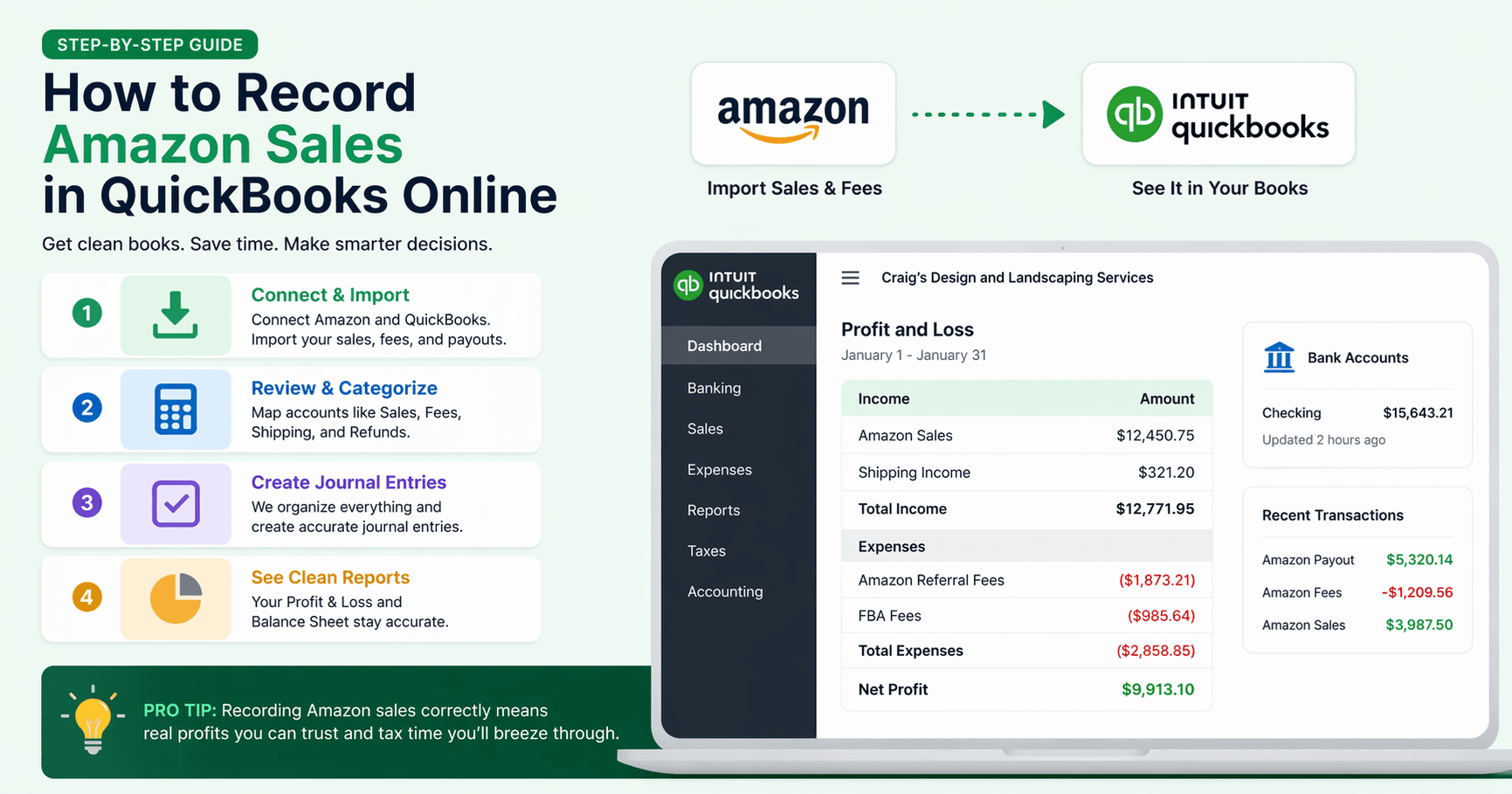
How to Record Amazon Sales in QuickBooks Online
If you're an Amazon seller, your bank account receives a deposit from Amazon every two weeks. That deposit is not your revenue — it's your net payout after Amazon has already deducted referral fees, FBA fulfillment fees, storage fees, refunds, and advertising costs.
If you record that deposit directly as income in QuickBooks, your books will be wrong in ways that compound over time: overstated or understated revenue, missing expense deductions, and reconciliation gaps that become painful at tax time.
This guide walks through how to record Amazon settlements in QuickBooks Online accurately.
What Is an Amazon Settlement?
Amazon runs on a 14-day payment cycle. At the end of each period, Amazon calculates everything that happened in your account and issues a settlement:
| Line Item | What It Represents |
|---|---|
| Product sales | Gross revenue from orders placed during the period |
| Referral fees | Amazon's commission, typically 6–15% depending on category |
| FBA fulfillment fees | Per-unit pick, pack, and ship charges |
| FBA storage fees | Monthly inventory holding costs, billed mid-month |
| Refunds | Amount returned to customers for returns or cancellations |
| Advertising | Sponsored Products and other ad spend deducted from payout |
| Net transfer | The amount Amazon deposits into your bank account |
The settlement report is your source document. Download it from Seller Central → Reports → Payments → All Statements, then click the statement period you want and export as a flat file.
Setting Up Your Chart of Accounts
Before recording your first settlement, confirm you have the right accounts in QuickBooks. A complete Amazon setup requires accounts across four groups:
Income
| Account | Type |
|---|---|
| Amazon Product Sales | Income |
| Amazon Shipping Revenue | Income |
| Amazon Gift Wrap Revenue | Income |
| Amazon FBA Inventory Credits | Other Income |
| Amazon Liquidation Proceeds | Other Income |
| Amazon Goodwill Credits | Other Income |
Refunds (contra-income)
| Account | Type |
|---|---|
| Amazon Product Refunds | Income (negative) |
| Amazon Shipping Refunds | Income (negative) |
Expenses
| Account | Type |
|---|---|
| Amazon Referral Fees | Expense |
| Amazon Refund Administration Fees | Expense |
| FBA Fulfillment Fees | Expense |
| FBA Storage & Service Fees | Expense |
| Amazon Advertising | Expense |
| Amazon Promotions | Expense |
| Amazon Professional Selling Plan | Expense |
| Amazon A-to-Z Claims & Chargebacks | Expense |
| Amazon Miscellaneous Fees | Expense |
Clearing & liability
| Account | Type |
|---|---|
| Amazon Clearing Account | Other Current Asset |
| Sales Tax Payable | Other Current Liability |
The Amazon Clearing Account is a virtual holding account in QuickBooks. It carries the net settlement balance between the time you record the journal entry and when the actual bank deposit arrives and is matched in your bank feed.
Recording a Settlement: Step by Step
Step 1: Create a Sales Receipt or Journal Entry for the Settlement Period
For each settlement, create a journal entry dated on the settlement's closing date:
| Account | Debit | Credit |
|---|---|---|
| Amazon Clearing Account | Net payout amount | |
| Amazon Referral Fees | Referral fee total | |
| Amazon Refund Administration Fees | Admin fee total | |
| FBA Fulfillment Fees | Fulfillment fee total | |
| FBA Storage & Service Fees | Storage fee total | |
| Amazon Advertising | Ad spend total | |
| Amazon Promotions | Promotion chargebacks | |
| Amazon Professional Selling Plan | Subscription fee | |
| Amazon Product Refunds | Refund total | |
| Amazon Shipping Revenue | Shipping revenue total | |
| Amazon FBA Inventory Credits | Reimbursement total | |
| Amazon Product Sales | Gross product sales total |
The debits and credits must balance. The sum of all debit lines (net payout + all fees and deductions) must equal the sum of all credit lines (gross sales + shipping revenue + any reimbursements).
Step 2: Match the Bank Transfer
When the actual bank deposit arrives (usually 1–3 days after the settlement closes), go to your bank feed in QuickBooks and match it to the Amazon Seller Account deposit you recorded in Step 1. This clears the clearing account and ties the deposit back to the correct revenue and expense lines.
Step 3: Reconcile Monthly
At the end of each month, reconcile your Amazon Seller Account in QuickBooks against the payment history in Seller Central. The closing balance should match what Amazon shows as pending or in transit.
Common Mistakes to Avoid
Recording the bank deposit as revenue — The payout is net of all fees. Using it as your revenue figure understates gross sales and loses all the deductions that are legitimately tax-deductible expenses.
Skipping FBA storage fees — Storage fees are billed separately from fulfillment fees and often appear in a different section of the settlement report. They're easy to miss.
Lumping refunds into negative sales — Refunds should have their own account so you can track return rates over time. Netting them against revenue hides important business metrics.
Mismatching settlement periods to calendar months — Amazon's 14-day cycles rarely align with month-end. If your March books close on the 31st but a settlement runs March 27–April 9, you'll need to either accrue the partial period or accept a timing difference and apply it consistently.
Forgetting advertising costs — Sponsored Products charges are deducted directly from the settlement payout. Sellers who run ads and don't account for this will see unexplained discrepancies between expected and actual deposits.
Missing the refund administration fee — When Amazon processes a customer return, it reverses most of the referral fee (RefundCommission) but keeps a small administration charge — the lesser of $5.00 or 20% of the original referral fee. This appears as a separate line in the settlement report and is easy to overlook.
Ignoring A-to-Z claims and chargebacks — If a buyer files an A-to-Z Guarantee claim that Amazon rules in their favor, or a credit card chargeback is processed, Amazon debits your account directly. These are not standard refunds and need their own expense account to be tracked separately.
How Long Does This Take?
For a seller with steady order volume, reconciling one Amazon settlement manually takes 2–4 hours per period — roughly 4–8 hours per month. That includes downloading the report, building the journal entry, matching the bank transfer, and spot-checking the figures.
For multi-channel sellers also managing Faire, eBay, or Walmart, multiply that by the number of channels.
Automate Amazon-to-QuickBooks Reconciliation
Simentri connects to your Amazon Seller Central account and handles the journal entries automatically. For each settlement period, it splits out sales, fees, refunds, and reimbursements into the correct QuickBooks accounts — no spreadsheet work, no manual entries.
You can customize account mappings to match your existing chart of accounts. Once configured, reconciliation runs in the background every settlement cycle.