
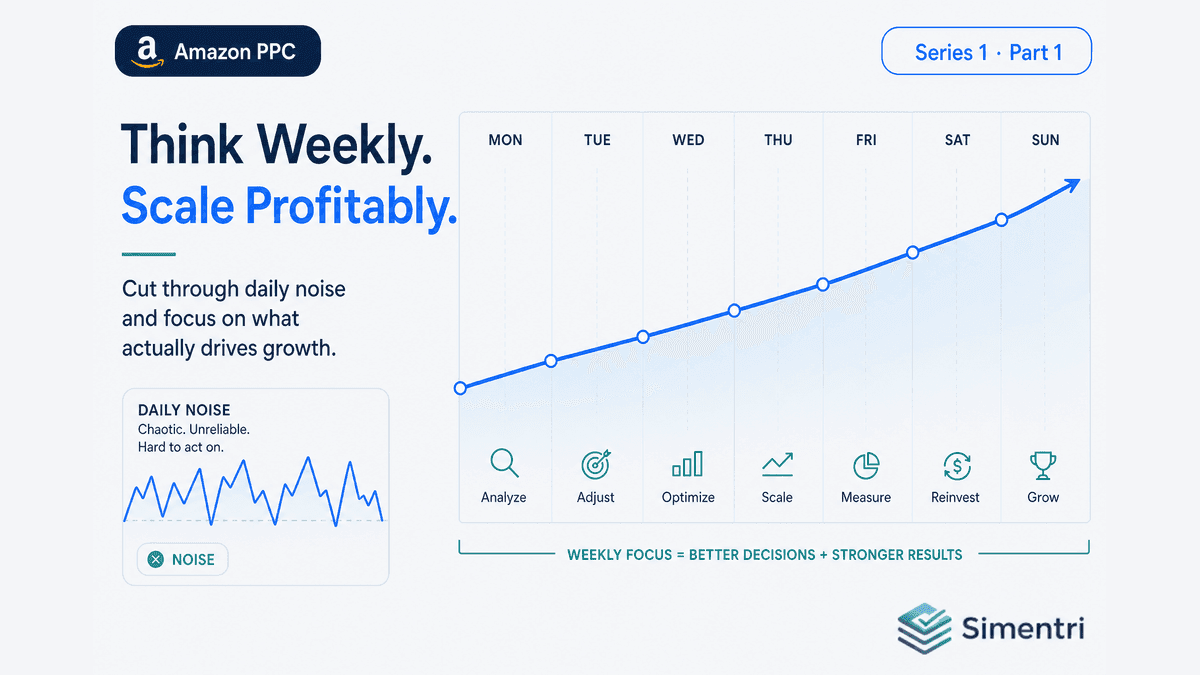
You open Seller Central on Tuesday. ACOS jumped from 26% to 31% overnight. Your instinct: lower bids on everything that spent yesterday.
By Friday, ACOS is back to 27%. You raised two bids you shouldn't have cut. You spent an hour reacting to noise — and you're not sure anything actually improved.
This isn't a discipline problem. Amazon PPC data needs a full week to mean something. Sellers who win aren't the ones who touch bids every day. They're the ones who run the same review rhythm every week — and act in the right order when they do.
The daily trap
Three things make daily optimization misleading:
-
Attribution lag. Orders don't always land in the same calendar day as the click. A "bad Tuesday" might include clicks from Sunday that converted Monday.
-
Day-of-week skew. Weekend shoppers behave differently from weekday B2B buyers. One day of data blends inventory, pricing, and traffic mix you can't untangle.
-
Action feedback loops. You cut a bid Monday; impressions drop Tuesday; you raise it Wednesday; spend spikes Thursday. You're optimizing your own reactions, not the account.
Experienced PPC managers on Amazon work in 7-day windows, usually aligned to how reports export and how teams review performance together.
What a week actually measures
A Saturday-ending week (the convention Simentri uses) gives you:
- Full 7-day spend, clicks, and orders per search term, keyword, and campaign
- Enough volume to distinguish a blip from a pattern
- A natural cadence that matches how sellers download Sponsored Products reports
In Simentri Ad Insights, each profile-week maps to one pipeline run: reports in, rules applied, action queue out. You're not asking "what happened yesterday?" You're asking "what changed this week, and what should I do about it?"
Four jobs, one rhythm
Structured teams don't maintain one giant to-do list. They sequence work:
| Order | Job | Question |
|---|---|---|
| 1 | Optimize | Where is money leaking with no return? |
| 2 | Protect | What core terms or offers need defense before we scale? |
| 3 | Grow | What's proven profitable and capped? |
| 4 | Restructure | Is the architecture broken — not just the bids? |
Watching is the safety valve: signals that aren't actionable yet — thin data, seasonal troughs, grow candidates held back until conversion stabilizes.
Simentri surfaces this as tabbed Weekly Actions: Summary · Optimize · Protect · Grow · Restructure · Watching, each with a badge count of pending items.
Audit before operate
Weekly optimization assumes the account is worth optimizing. A brand-new connection — or a messy legacy structure with 40 campaigns and duplicated ASINs — needs a read first.
Strategic Account Analysis in Ad Insights is that read: market position (when Brand Analytics SQP is uploaded), account snapshot, waste patterns, and structural findings. It's the "Understand" phase before the "Operate" phase.
When you're ready to run ongoing recommendations, Start weekly monitoring unlocks the Weekly Actions mode. Until then, Strategic stays available without pushing bid changes you aren't ready to execute.
What "done" looks like each week
A complete weekly loop in Simentri:
- Summary tab — KPI bar (ACOS, TACOS, CVR vs targets), health narrative, 12-week trend charts, streak badges
- Work tab badges in order — Optimize → Protect → Grow → Restructure
- Review & Confirm each action you agree with — Evidence drawer shows spend, diagnosis, and Seller Central steps
- Apply Now (connected profiles) or Mark as applied (offline upload profiles) after you execute in Amazon
- Watching tab — note what's deferred; revisit next week
That's the operating system. Not daily panic. Weekly decisions with multi-week context baked in.
For accountants and agencies
Client PPC reviews fail when every Monday is a forensic expedition. A weekly cycle means the same 15–60 minute workflow per tenant: Summary first, then tab queue, then confirm.
Partner access in Simentri lets you switch between client profiles without rebuilding spreadsheets. Each client gets their own evidence floors, protected keywords, and seasonal calendar.
What to do this week
- Stop daily bid changes unless something is catastrophically wrong (budget runaway, listing suppressed, campaign accidentally enabled at 2× bid).
- Pick a weekly review day — same day each week, after the prior Sat-ending week has closed.
- Run Strategic first if you haven't recently — know the account story before you optimize.
- Unlock Weekly Actions when you're ready for ongoing queue-based management.
The bottom line
Daily tweaks feel productive. Weekly rhythm is productive — because you're acting on signal, not noise.
Simentri Ad Insights is built around that rhythm: Strategic to understand, Weekly Actions to operate, one Sat-ending week at a time.
90-day free trial, no credit card required. You approve every action before anything changes in Seller Central.