
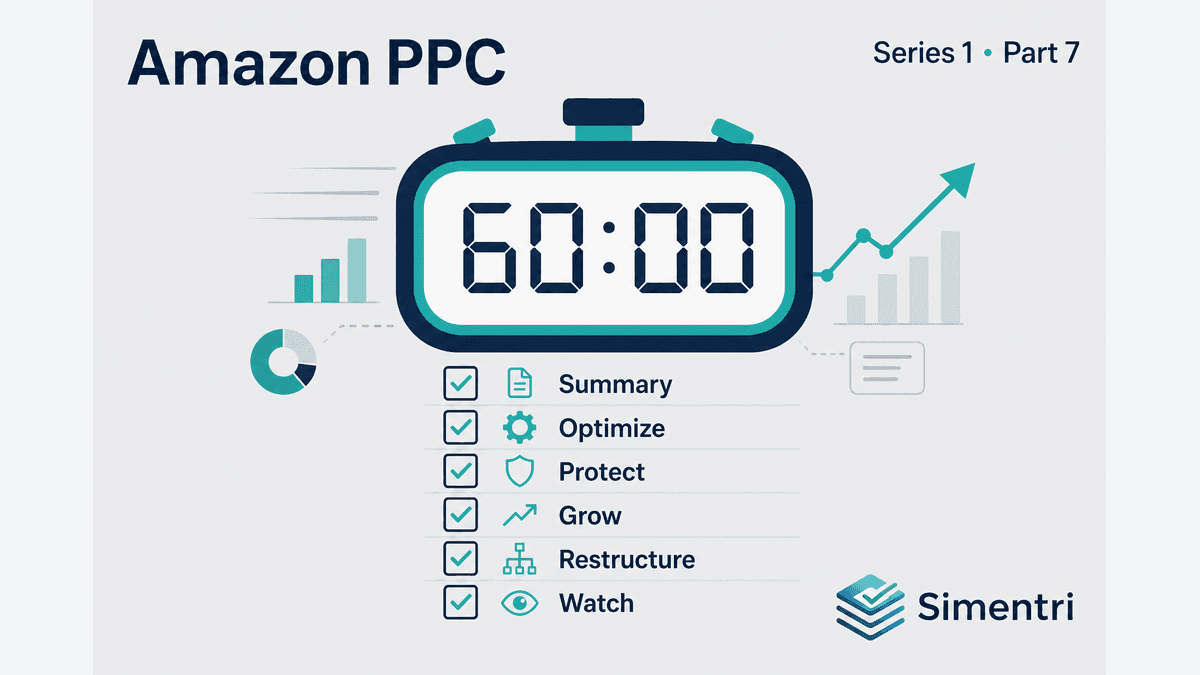
You blocked the calendar. Coffee's ready. Seller Central is not open — Simentri already ranked this week's queue.
This is the full 60-minute weekly review for Amazon Ads in Ad Insights — Sponsored Products, Sponsored Brands, and Sponsored Display in one human-approved queue. Work top to bottom; skip tabs with nothing pending unless Summary points you there.
Short on time? See the 15-minute compressed workflow.
Minutes 0–10: Summary tab
Goal: Understand week health before touching anything.
- KPI top bar — ACOS, TACoS, CVR vs your targets; Spend / Sales YoY when available
- This week's priority — read the one-line focus; use Go to when it points somewhere
- Client review (expand) — multi-week ACOS / TACoS / spend / ad sales trends; CVR for conversion drift
- Note which tab holds the biggest dollar opportunity — then open that tab next
Don't: Jump straight to Grow because ACOS looks good one week.
Minutes 10–25: Optimize tab
Goal: Stop waste ranked by estimated monthly impact.
- Work pending action cards top-down (highest impact first)
- Add Negative — confirm relevance; check Evidence for 7-day spend vs projected monthly
- Lower Bid — hero exact and stop-bleed companions
- Broad match sprawl panel — expand if present; negate divergent queries, review dual intent
- Placement review — after term actions, check TOS / ROS / PP Evidence table when shown
- Pause Campaign — only if card present; confirm not a term-level misdiagnosis
- Review & Confirm → Apply Now on connected Amazon Ads accounts
Cap awareness: Simentri limits how many Optimize actions land per campaign per week — deferred items return next cycle.
Minutes 25–35: Protect tab
Goal: Defend core terms and offers before scaling.
- Protected keyword reviews — listing / pricing, never negate
- Buy Box / brand defense reviews
- Own-ASIN leak structural reviews
- Cross-check Core Keyword Signals if a client pushed back on a negate elsewhere
- Pair Lower Bid on Optimize if Protect diagnosis is "stop bleed while fixing listing"
Minutes 35–45: Grow tab
Goal: Scale proven winners with the right lever.
- Confirm no conversion-rate decay / Protect blockers (check Summary if Grow is empty)
- Grow candidates — bid vs budget vs auto-group rows
- Evidence drawer — ACOS, cap %, bid band, why a winner is held in Watching
- Raise Bid / Increase Budget — Apply Now when you agree
- Auto-group multiplier — confirm and Apply when the card supports it
- Scan Performing Well — note wins for client reporting
Don't: Raise budget on over-ACOS campaigns.
Minutes 45–55: Restructure tab
Goal: Fix architecture when the queue is non-empty.
- Keyword structure audit reviews — worst campaign clusters
- Pause Campaign for structural failure (if not handled in Optimize)
- Note if Campaign Plan escalation is needed — repeated same-campaign restructure weeks
- Optional: open Strategic → campaign structure for ASIN duplication context
Minutes 55–60: Watching + close
Goal: Close the loop; prep next week.
- Scan Watching — seasonal holds, thin-data signals, scale holds waiting on more evidence
- Notifications — any failed Apply or status notes
- Client note: actions taken, deferred, monitoring until [date / event]
- Calendar next week's block — same day, same duration
Printable one-liner sequence
Summary → Optimize → Protect → Grow → Restructure → Watching → Close
For agencies: multi-client Monday
Same checklist per client. Switch tenant → Summary → tab badges → confirm. 15 minutes per client is achievable when Optimize waste is under control; 60 minutes when accounts are messy or post-onboarding.
What to do this week
- Run this checklist once timed — adjust blocks to your portfolio
- Use 60 minutes when the account is messy; use the 15-minute path on maintenance weeks
- Keep the order — Summary → Optimize → Protect → Grow → Restructure → Watching
The bottom line
Consistency beats intensity. The same checklist every week compounds — waste stays out, winners stay scaled, architecture stays visible.
Simentri ranks the work; you supply judgment. That's the weekly operating system.
90-day free trial, no credit card required. You approve every action before anything changes in Seller Central.