
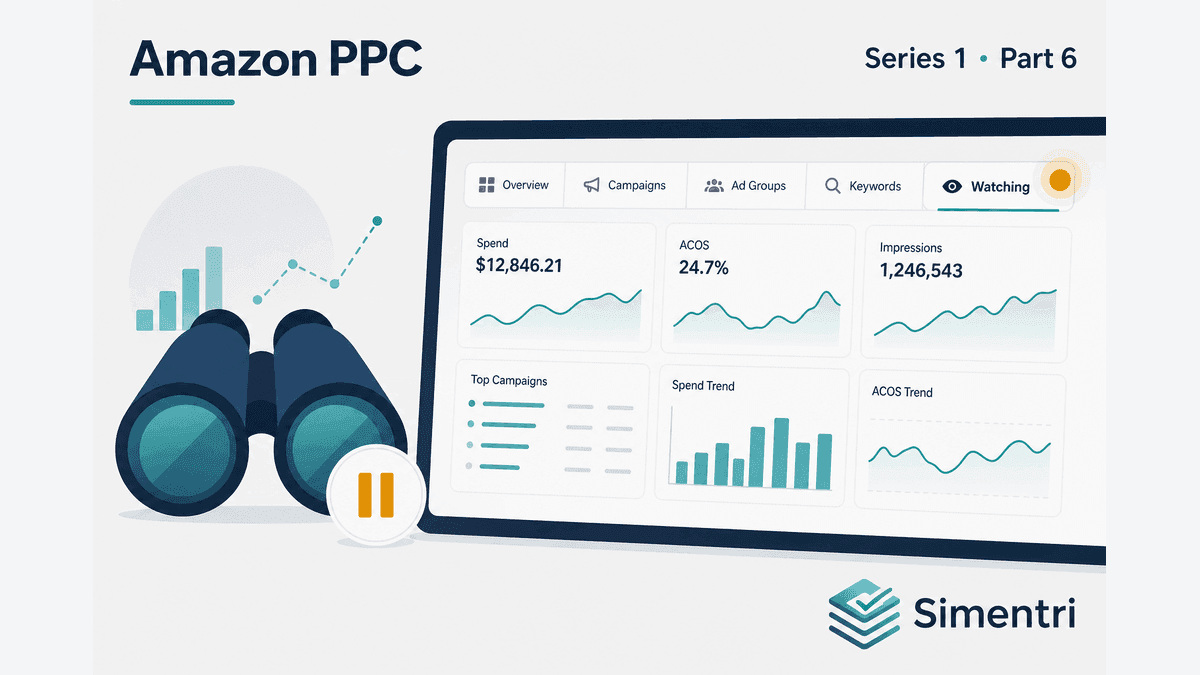
Watch: PPC Signals That Aren't Actionable Yet (And Why That's OK)
The Watching tab has twelve items. Your client asks: "Why isn't the tool doing anything about these?"
Good answer: Because acting now would cost more than waiting.
Watch is not a junk drawer. It's where signals wait until evidence, seasonality, or conversion health supports a change you won't regret.
Watch is a feature, not a failure
Aggressive PPC automation treats every flag as an action. Experienced managers wait for enough data and a clear pattern.
Simentri routes items to Watching when:
- Data is too thin to negate or scale responsibly
- Your seasonal calendar says monitor until peak returns
- Scale looks tempting but account conversion is declining — hold, don't grow
- A single weak week hasn't confirmed into a multi-week pattern
- Evidence is still medium or low — review later, don't force a change
No Apply Now on Watching items this week — by design.
Insufficient click volume
Hero exact keywords below your Exact hero keyword click floor (Evidence floors / Settings) stay in Watch — not Protect, not Optimize. One week of thin click volume proves nothing.
Low-spend sprawl terms that miss your spend floors stay off the hard-negative queue — blocking a tiny-spend term isn't worth the structural risk.
Tune floors in Ad Insights → Settings → Evidence floors if your account volume warrants it — but don't zero them out to "get more actions."
Seasonal monitor mode
Define seasonal peaks in Ad Insights Settings — Mother's Day, Q4 gift, summer outdoor, your category rhythm.
Zero orders on gift-oriented terms in July may be expected. Negating them removes terms you'll need in October.
Watching items tied to seasonality include context in the narrative — "monitor until peak window" beats panic-negate in trough.
Low history accounts
With fewer than 3 weeks of weekly data, trend-based recommendations step back. Cards note when findings are based on this week only; Strategic analysis adds caution on short windows.
New accounts need time to build a clean baseline before you treat every flag as urgent. Connected Amazon Ads accounts typically fill in up to about 13 weeks of history after weekly monitoring is unlocked.
Scale holds: profitable but not yet safe
A keyword can look scale-ready on one-week ACOS while account conversion rate is falling. Scale recommendations are held until conversion stabilizes — the product shows why.
Other Watching items flag winners that are still building a multi-week track record before a bid or budget raise is safe.
Don't manually raise bids in Amazon Ads without reading the reason — you'll scale into a conversion problem and blame the keyword.
What to do this week
- Open Watching last in your weekly loop — after Summary through Restructure
- Scan for promotions — did a Watch item move into Optimize, Protect, or Grow?
- Note seasonal items — remind yourself when peak prep starts
- Don't clear the tab for its own sake — an empty badge isn't the goal; correct timing is
- Revisit hero exacts as clicks accumulate toward the floor
- Adjust evidence floors only when the pattern is "too conservative for our volume" — not "I want fewer Watch items"
The bottom line
The best PPC managers say not yet more often than beginners say done.
Simentri's Watching tab encodes that discipline — seasonal context, click and spend floors, conversion holds, and track-record waits — so you don't trade long-term revenue for short-term badge clearance.
90-day free trial, no credit card required. You approve every action before anything changes in Seller Central.