
One Bad Week vs. Two: When to Block Zero-Order Terms
Last Monday, a search term had 14 clicks and zero orders. You added it to a "watch list" sticky note on your monitor.
This Monday, same term: 11 clicks, zero orders again. Total spend since you first noticed it: $38.
Should you negate?
Most sellers answer with a gut call — or they negate everything above 10 clicks because a spreadsheet formula said so. Both approaches create the same problem: you either wait too long on real waste, or you kill terms that would have converted next week.
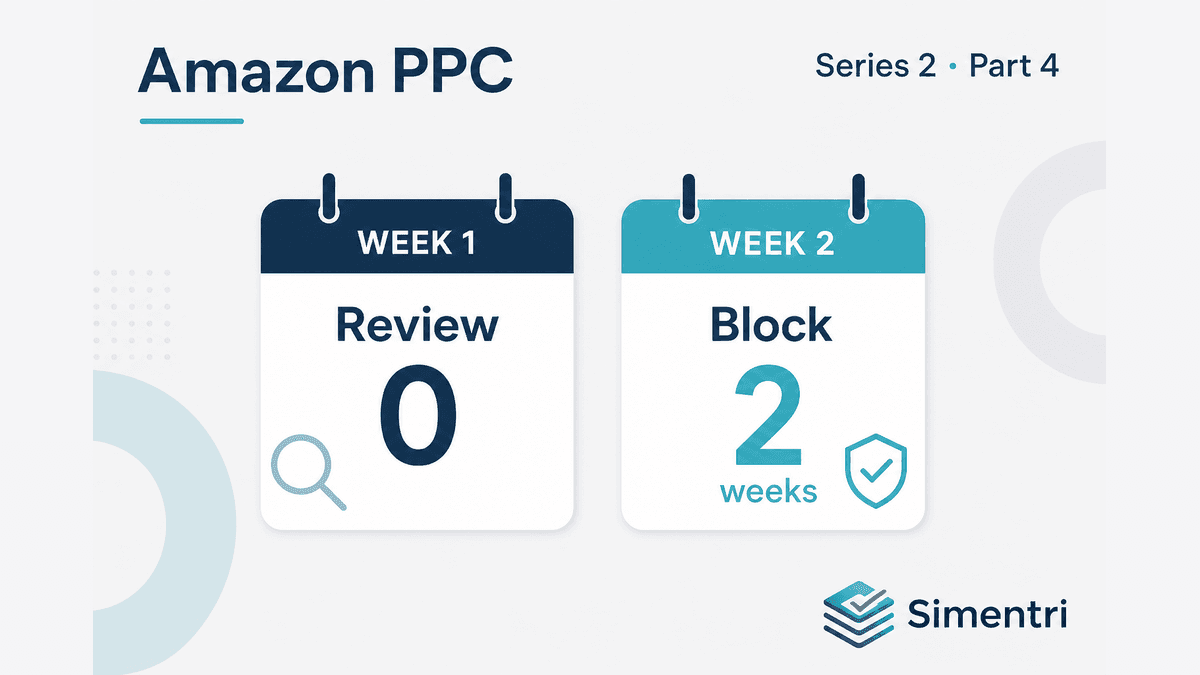
Simentri separates those outcomes with patience: one noisy zero-order week surfaces as Review, not a permanent negative. A confirmed multi-week zero-order pattern — when the term is clearly irrelevant — becomes Add Negative.
Why one week is not enough
Amazon PPC is noisy. Conversion rates swing with:
- Day-of-week effects (Sunday browsing vs. Tuesday buying)
- Coupon or Lightning Deal timing on yours or a competitor's listing
- Inventory lag showing "In Stock" with slow ship
- A single bad review hitting mid-week
- Category-wide CVR dips (heat wave, holiday lull)
A term with 12 clicks and $0 sales in one Sat–Fri window might produce 3 orders the following week on 15 clicks. If you negated on week one, you never find out.
Experienced operators distinguish signal from pattern. One zero-order week is a signal worth noting. Two consecutive zero-order weeks — with meaningful clicks and spend — is a pattern worth acting on.
First week → Review on Optimize
For ordinary zero-order waste — irrelevant or divergent traffic that is not a hero exact target — Simentri does not recommend Add Negative on the first bad week.
Instead you get a Review card on Optimize. You see the term, the spend, and the estimated impact — but the primary action is confirm the pattern before blocking.
The card still shows 7-day spend and a monthly savings projection so you can prioritize. You're not blind to the leak. You're not committing to a permanent negative on one week of noise.
Simentri would rather surface a Review card than have you kill a converting term by reflex.
Confirmed multi-week pattern → Add Negative
When a second consecutive zero-order week confirms the pattern — and diagnosis says the query is clearly irrelevant — Simentri recommends Add Negative.
The Confirmation drawer shows:
- Exact search term and source campaign
- Multi-week spend context where available
- Estimated monthly savings (projection — check the card, don't assume weekly ×4)
- Apply Now for connected Amazon Ads profiles
A short exception: structural sprawl (loose match diverging from a profitable exact peer, or a batch of related divergent queries) can move faster because waiting another week compounds damage. Ordinary one-off irrelevant terms still wait for the pattern to confirm. Sprawl cleanup gets its own week in this series.
When one week still deserves your attention
"Review, not negate" doesn't mean "ignore."
On a first bad week with high spend, open the Evidence tab and run the diagnosis ladder:
- Is the term relevant to my catalog? No → likely block next week if the pattern holds.
- Is it relevant but the listing broke? → Review listing — patience on negation doesn't mean do nothing about the offer.
- Is it dual intent? → Plan a split or route — don't wait two weeks to fix half the traffic.
- Is it a hero exact target? → Never negate. Fix the listing or throttle the bid instead. See the hero exact never-negate post for the full principle.
Terms with thin click or spend volume relative to your Evidence floors may stay in Watching until the data is thick enough. Tune those floors under Ad Insights → Settings → Evidence floors — specifically Minimum clicks before term waste and Minimum spend before non-converting search terms — if your account volume needs a stricter or looser bar.
Recent converters: don't rush
Even when zero-order weeks start stacking, a term that converted in the last few weeks deserves more patience. A query that sold three weeks ago, then went quiet for two weeks, might still be a seasonal blip — not a negate candidate yet.
Multi-week context is the whole point of a weekly review rhythm. Spreadsheets rarely remember last week's flags; Simentri does.
What to do this week
-
Sort Optimize by impact, read the action. Review cards on first-week zero-order flags are working as designed — confirm before you negate manually in Seller Central.
-
Don't bypass the queue. Manually negating every 10-click zero-order term kills terms Simentri would have held for Review listing or another week of confirmation.
-
Return next week. Terms with a confirmed multi-week zero-order pattern promote to Add Negative when diagnosis says the query is irrelevant. That's patience doing its job.
-
Use Skip with reason if you disagree — agency audit trails and Simentri's history stay aligned.
The bottom line
Patience is a waste-cutting strategy. One bad week → Review. A confirmed multi-week zero-order pattern → Add Negative when the term is truly irrelevant.
That turns a vague "feel" into a consistent weekly habit — so you stop real leaks without amputating good keywords.
90-day free trial, no credit card required. You approve every action before anything changes in Seller Central.