
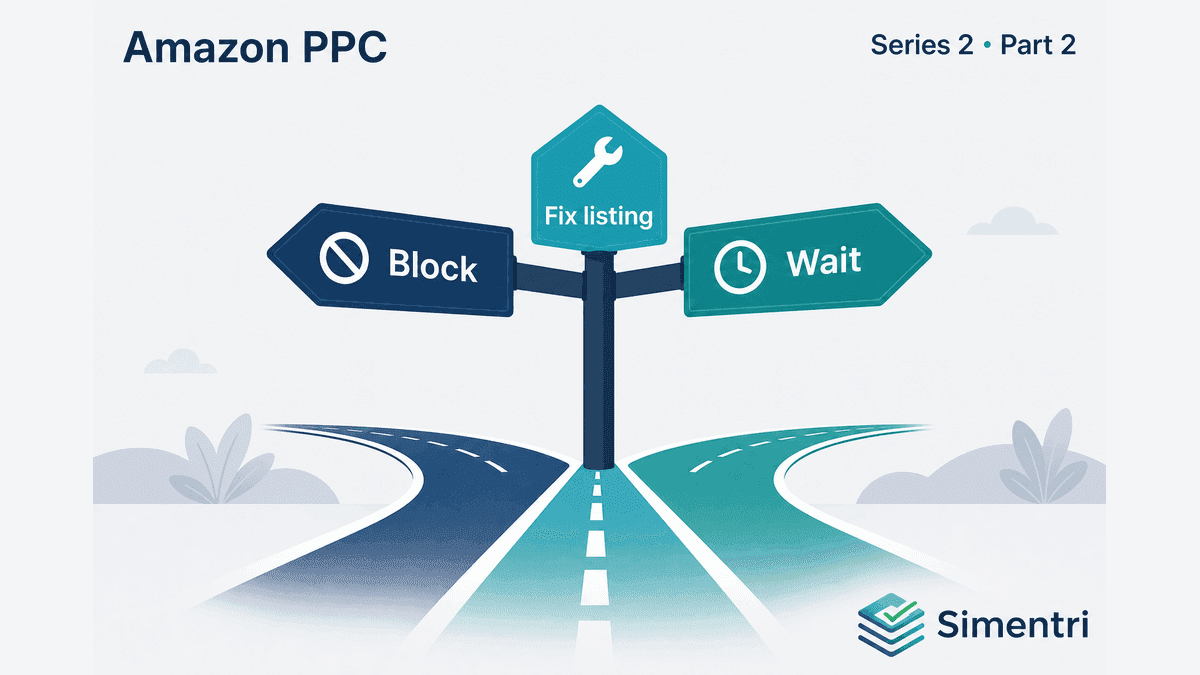
Zero-Order Search Terms: Block, Fix the Listing, or Wait?
Here's a scenario worth knowing: you're reviewing search terms in Seller Central. You filter to zero-order terms with more than 10 clicks. Near the top of the list:
"enameled dutch oven 6 quart" — 28 clicks, $41.60 spent, $0 sales.
Your instinct: add it as a negative exact. Done. Next term.
Two months later, a competitor ranks for "enameled dutch oven 6 quart" and you wonder why your cookware line stopped getting traction. You blocked a term that matched your catalog — during a week when your main listing had a suppressed Buy Box and a 4.1-star rating with three new 1-star reviews. (Illustrative scenario — not a real seller account.)
The $41 you saved cost you far more in lost discoverability.
This is the central tension in PPC optimization: most zero-order terms should be stopped, but not all of them. The hard part is knowing which is which.
Why "block everything with zero orders" fails
The naive rule — negate any term with clicks and no sales — works for obviously irrelevant traffic. "Insulated water bottle 32oz" when you sell desk organizers? Block it.
It fails in four common situations sellers hit every week:
1. The term is relevant, but the listing is broken
Shoppers clicked because the search matched your product. They didn't buy because something on the detail page failed them — price, images, reviews, stock, or Buy Box loss. Negating the term stops the symptom without fixing the cause.
2. The term has dual intent
"Men's chain necklace" might mean a fine gold chain or a chunky fashion chain — different price points, materials, and buyer expectations. If you serve the fashion segment, a single campaign blending both intents produces a blended conversion rate that looks like failure. The fix is split campaigns and hard negatives, not a blanket block.
3. The term is in the wrong campaign
A converting search term in a generic auto campaign may spend without converting in that context — while the same term would convert in a dedicated exact-match Hero campaign. The action is route, not block.
4. It's a seasonal trough, not structural waste
A zero-order August for gift-oriented terms may be expected — not evidence of irrelevance. Blocking before season returns removes terms you'll need in October.
The diagnosis ladder: five outcomes before you negate
Simentri Ad Insights flags zero-order terms with meaningful spend — then classifies each before generating an action:
| Classification | When it applies | Recommended action | Simentri tab |
|---|---|---|---|
| Block | Term is irrelevant to your catalog | Add as negative keyword | Optimize |
| Route | Term can convert, but wrong campaign | Negate here; add to dedicated campaign | Optimize + Restructure |
| Check listing | Term matches your products; conversion failure | Review price, images, reviews, Buy Box | Protect |
| Split intent | Term serves two buyer types | Build dedicated exact campaign; hard-negative divergent intent | Restructure |
| Monitor / seasonal | Insufficient data or off-peak timing | Hold in Watching until pattern confirms | Watching |
ASIN-level distress comes first
Before classifying individual terms, Simentri checks ASIN-level signals: Buy Box percentage below threshold, CVR watchlist entries, multiple protected keywords failing simultaneously, or several terms on the same ASIN all showing zero orders at once.
If the ASIN is in distress, all relevant terms on that ASIN classify as check listing — because a listing problem manifests across every keyword, not term by term. You'll see these in the Protect tab.
Term-level signals
For healthy ASINs, each term is evaluated individually:
- Historical conversion: If the term converted in any of the last 4, 8, or 12 weeks, it can't be classified as block.
- Product relevance: Terms matching your stated business vocabulary are never auto-blocked without walking the full ladder.
- Match-type sprawl: Same keyword in broad vs exact with divergent ACOS → route to exact, negative the loose match in source.
- Dual intent: Route the sub-segment-aligned variant to a dedicated exact campaign; hard-negative divergent intent in source.
If none of the above explain the failure, the residual diagnosis is check listing at the term level: investigate before negating.
Protected keywords: when "do not block" is explicit
Some terms are strategically important regardless of this week's numbers — your brand name, core category terms, hero product descriptors. You define these in Ad Insights Settings as protected keywords.
Protected terms with clicks but zero orders never receive negative-keyword recommendations. Instead, they appear in the Protect tab as Core Keyword Signals — likely a listing or pricing issue, not a negate.
Worked example: three terms, three different outcomes
Same seller — gold-filled fashion jewelry (minimalist earrings and necklaces, no gemstones). (Illustrative example — not a real seller account.)
| Search term | Spend (4w) | Orders | Classification | Why |
|---|---|---|---|---|
| "phone case" | $38 | 0 | Block | Irrelevant to catalog |
| "men's chain necklace" | $94 | 0 | Split intent | Fine metal vs fashion chain buyers |
| "gold hoop earrings" | $67 | 0 | Check listing | Core term; Buy Box at 74% |
One report. Three terms. Three different actions.
For accountants and agencies
Client conversations go sideways when you block a term they care about without explaining the logic. Simentri's classification gives you audit-ready rationale on every card — spend history, diagnosis step, and recommended action type.
When a client pushes back on a negative keyword recommendation, pull up the Protect tab: if the term is protected or classified as check listing, the data supports a listing conversation instead of an ad change.
For portfolio reviews, the Watching tab is your early warning system: terms trending toward waste but not yet actionable.
What to do this week
-
Pull your top 10 zero-order terms by spend. For each, ask: "Do I sell this?" If no → block candidate. If yes → don't block yet.
-
Check ASIN health first. Buy Box %, recent reviews, price vs competitors.
-
Look for dual intent. Plan a dedicated campaign — don't negate the whole term.
-
Protect your non-negotiables. Brand terms and core category keywords should never be reflex-negated.
The bottom line
Zero-order terms are one of the biggest places money leaks — and where the most revenue gets accidentally killed. The goal is to classify correctly: block irrelevance, route misplacement, fix listings, split intent, and wait when the data isn't ready.
90-day free trial, no credit card required. You approve every action before anything changes in Seller Central.